Advanced Drlver
Assistance
Systems{ADAS)
Infotainment
Infotainment
Using Messages
About Infotalnment
Physical Audio Controls
WARNING: Dlstracted drlvlng can lead to loss of vehlcle
control and a collision. which can result in serious injury or
death. Fisker strongly recommends that the driver stay
focused on the road at all tlmes whlle drfvlng. Safe operatlon
of the vehlcle Is the drfver's prlmary responslblllty.
Media and Audio
Maps and Navlgation
WARNING: Always ensura you are followlng all appllcable
local laws regardlng the use of phones whlle drlvlng. Thls
Includes, but Is not Ilmlted to, laws that prohlblt textlng and
r•qulre hands-frea phona oparatlon at all tlmes.
Phone and Smart Devlce8
Bluetooth@Compatibility
Chèl8è0 Nugent
Mg Mo-:a9C.
Palring a Blu8tooth@Devlce
Devlce Synclng and Preferences
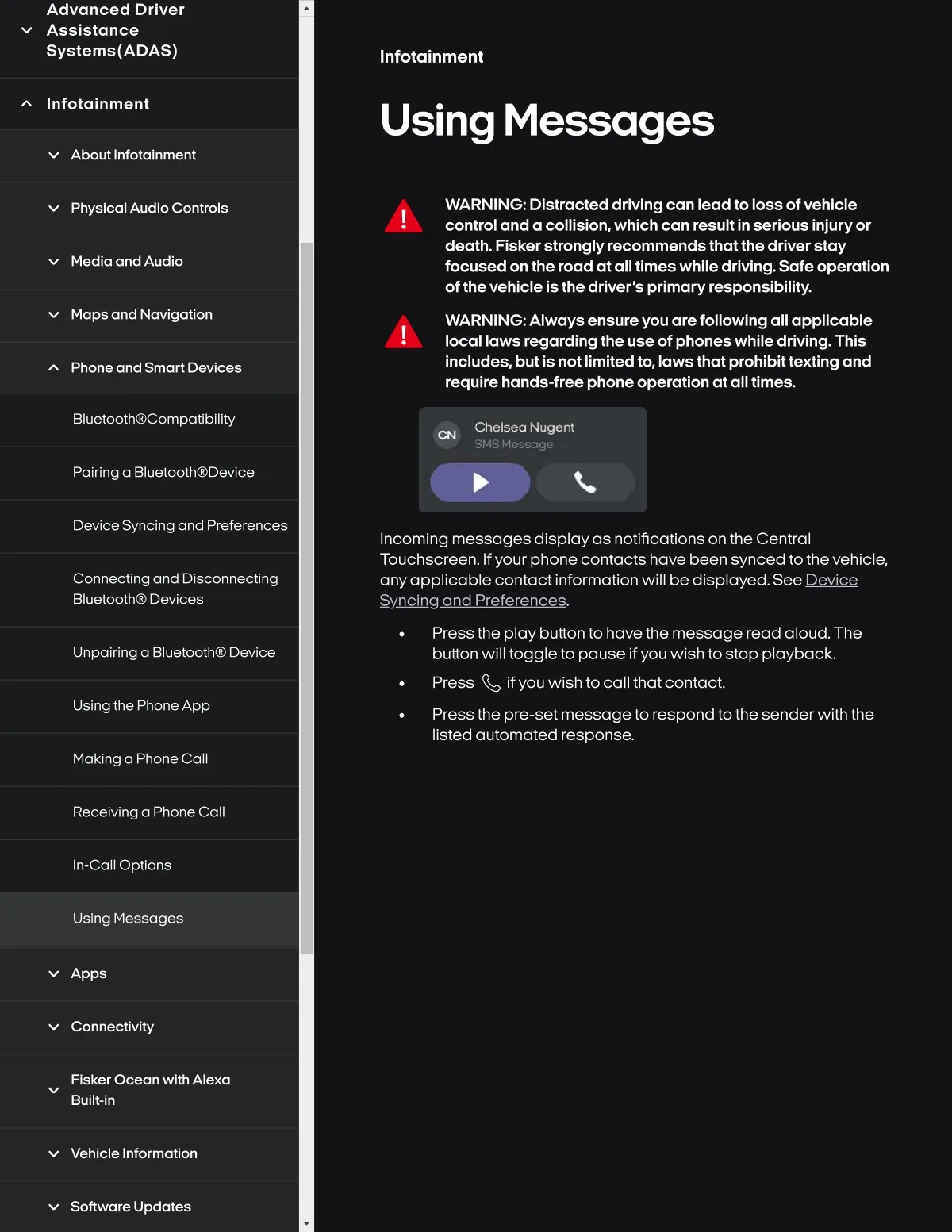
Incoming messages dlsplayas notlfications on the Central
Touchscreen. Ifyour phone contacts have been synced tothevehlcle,
anyappllcable contact Informatlon wlll be dlsplayed. SeeQo
Connectlng and Dls¢onnectlng
Bluetooth@ Devlces
Press the play button to havethe message read aloud. The
button wlll toggle to pause If you wlsh to stop playback.
Press l if you wlsh to call thatcontact.
Press the pre-set messageto respond tothe sender wlth the
listed automated response.
Unpolrlng a 8luetoothG) Devlce
Uslngthe PhoneApp
Maklng a Phone Call
Recelvinga Phone Call
In-call Optlons
Using Messages
Apps
Connectlvlty
Flsker Ocean wlth Alexa
Bullt-ln
Vehlcle Informatlon
Software Update$