Advanced Drlver
Assistance
Systems{ADAS)
Infotainment
Infotainment
In-call Options
About Infotalnment
Physical Audio Controls
Media and Audio
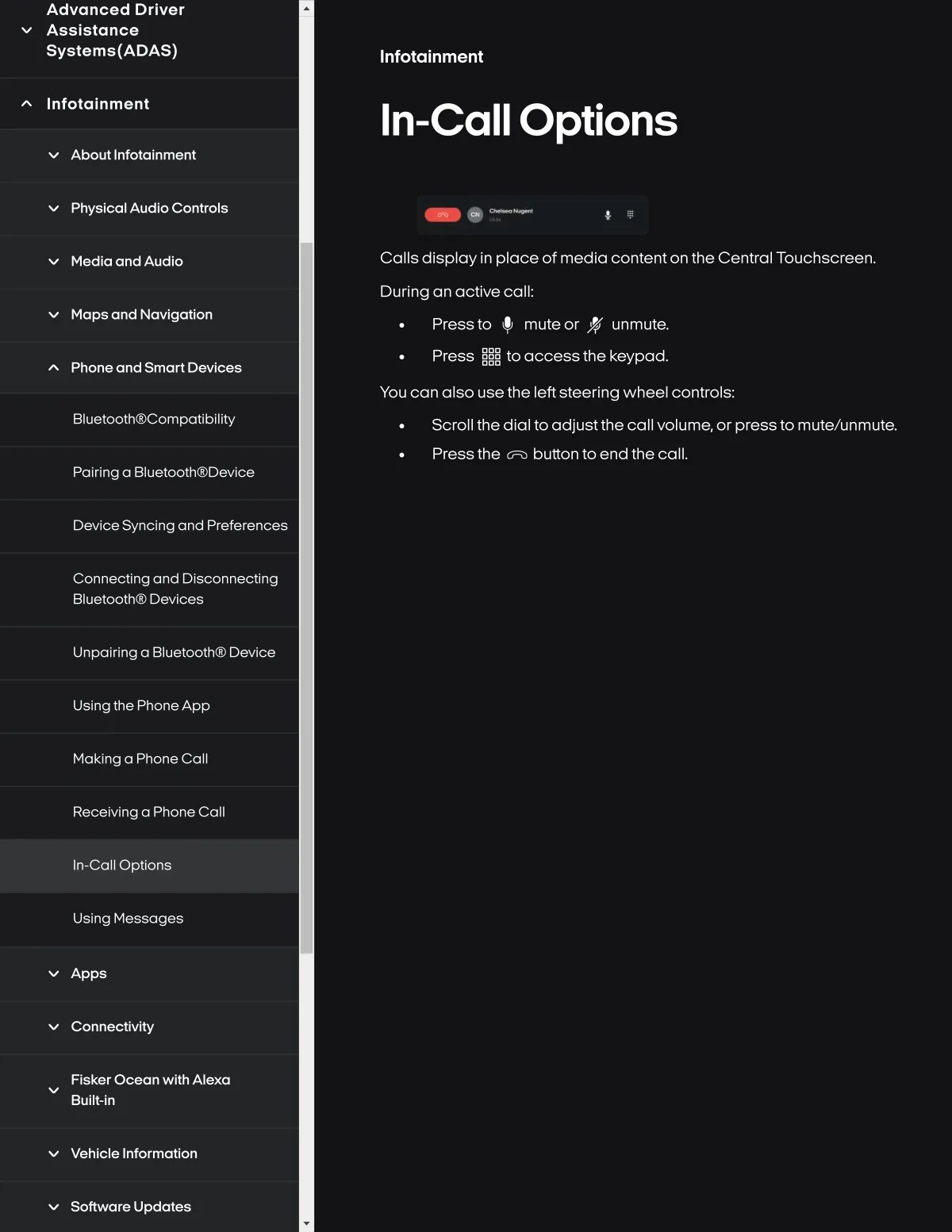
Calls display in placa of media contenton the Central Touchscreen.
During an octlve call:
Maps and Navlgation
Press to tp mute or
Press 5éS to access the keypad.
unmute.
Phone and Smart Devlce8
You can also use the leftsteering wheel controls..
Bluetooth@Compatibility
Scroll the dial to adjustthe call volume,or pressto mut8/unmut8.
Pressthe tFO button to end the call.
Palring a Blu8tooth@Devlce
Devlce Synclng and Preferences
Connectlng and Dls¢onnectlng
Bluetooth@ Devlces
Unpolrlng a 8luetoothG) Devlce
Uslngthe PhoneApp
Maklng a Phone Call
Recelvinga Phone Call
In-call Optlons
Using Messages
Apps
Connectlvlty
Flsker Ocean wlth Alexa
Bullt-ln
Vehlcle Informatlon
Software Update$