Advanced Drlver
Asslstance
Systems{ADAS)
Infotainment
Infotalnment
Apps
About Infotalnment
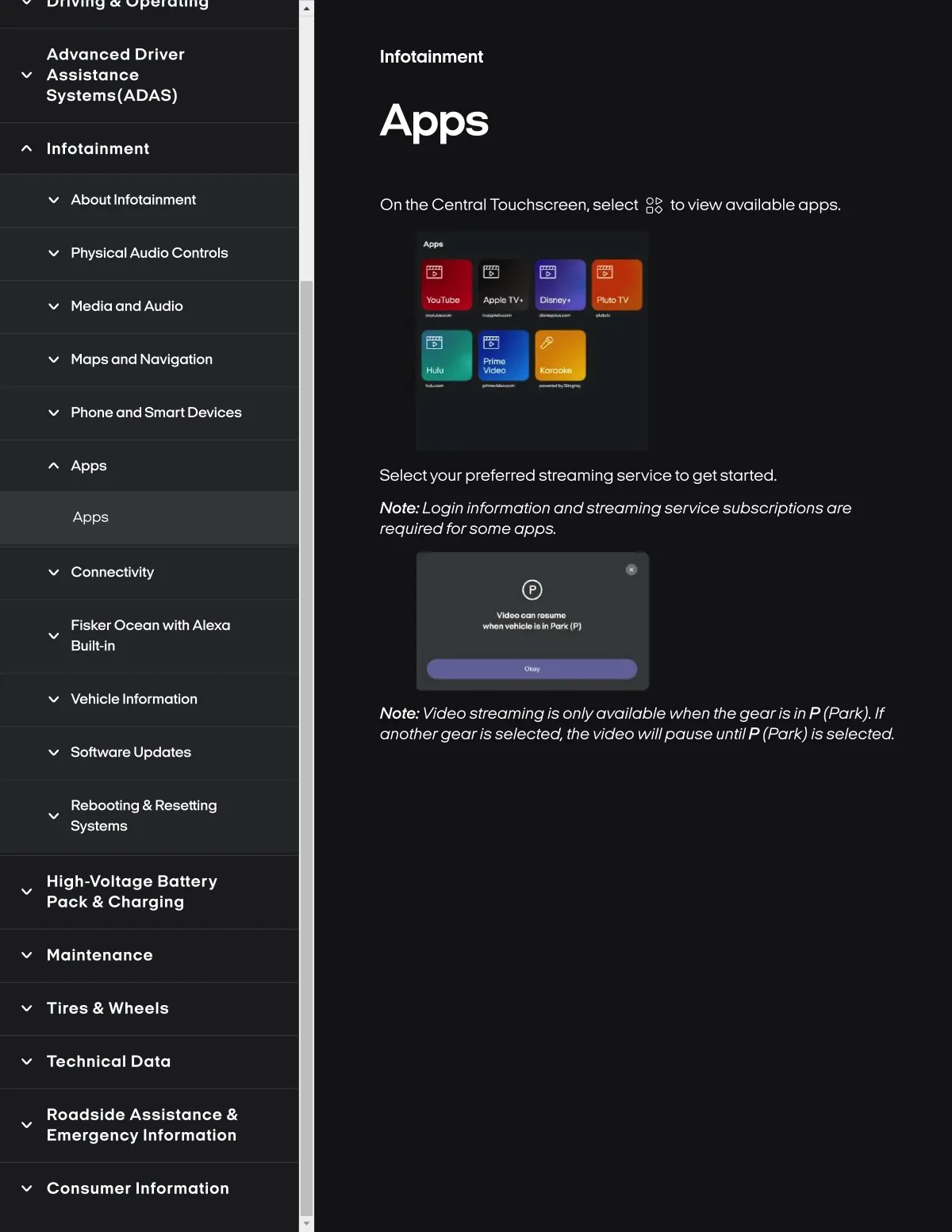
On the Central Touchscreen, select
oo
toview available apps.
Physlcal Audlo Controls
M8dla and Audlo
Y4yTth *4pl•TV*
Maps and Navlgatlon
rJ"4•
ph
Phone and Smart D8vl¢es
Apps
Select your preferred streamlng servlce to get started.
Apps
Note.. Logln informotlon ondstreomlng servlce subscrlptions ore
required forsome opps.
Connectlvlty
Flsker Ocean wlth Alexa
Bullt-ln
l*Mi¥•hW•l•thPth*ipi
Vehlcle Informatlon
Note.. Video streorning is only availoble when the gear is in P (Pork). If
onothergeoris selected. the video willpouse until P (Pork) is selected.
Software Update8
Rebootlng & Resettlng
Systems
Hlgh-voltage Battery
Pack & Charglng
Maintenance
Tlres & Wheels
Technical Dala
Roadslde Asslstance &
Emergency Information
Consumer Information