Search..
Infotainment
Introducllon
Viewing Release Notes
Vehlcle Overvlew
Fisker strongly recommendsthat all users read the release notesfor
every software update.Theycan contain important information about
yourvehicle, including safety information or newoperating instructions.
Openlng & Closlng
Seatlng & Safety
Reslralnts
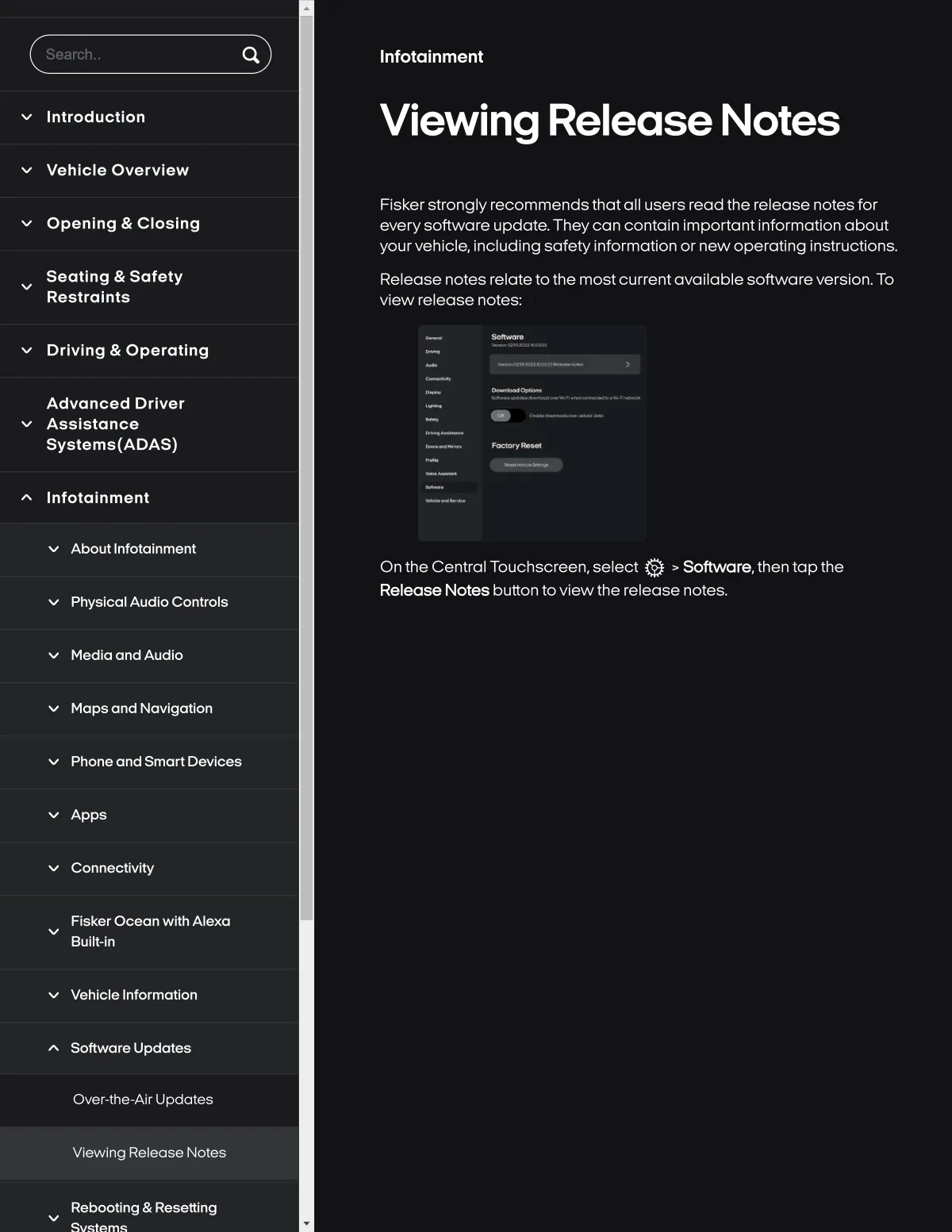
Release notes relatetothe most currentavailable softwareversion. To
view release notes..
Drlvlng & Oparatlng
Advancèd Drlvar
Asslstance
Syslems{ADAS)
Infolalnment
About InfotaSnment
On the Central Touchscreen, select Q > S¢)ftware, then tap th8
Release Note8 button to vlew the release notes.
Physlcal Audlo Controls
Medla and Audlo
Maps and Navlgatlon
Phone and Smart Devlce8
Apps
Connectlvlty
Flsker Ocean wlth Alexa
Bullt-ln
Vehlcle Informatlon
Software Updotes
Over-the-Air Updates
Vlewlng Release Notes
Rebooting & Resetting