Assislance
Systems(ADAS)
Hlgh-voltage Battery Pack & Charglng
Infolalnmant
Hlgh-voltage Baltery
Pack & Charging
Charging Status
Electrlc Vehlcle
Components
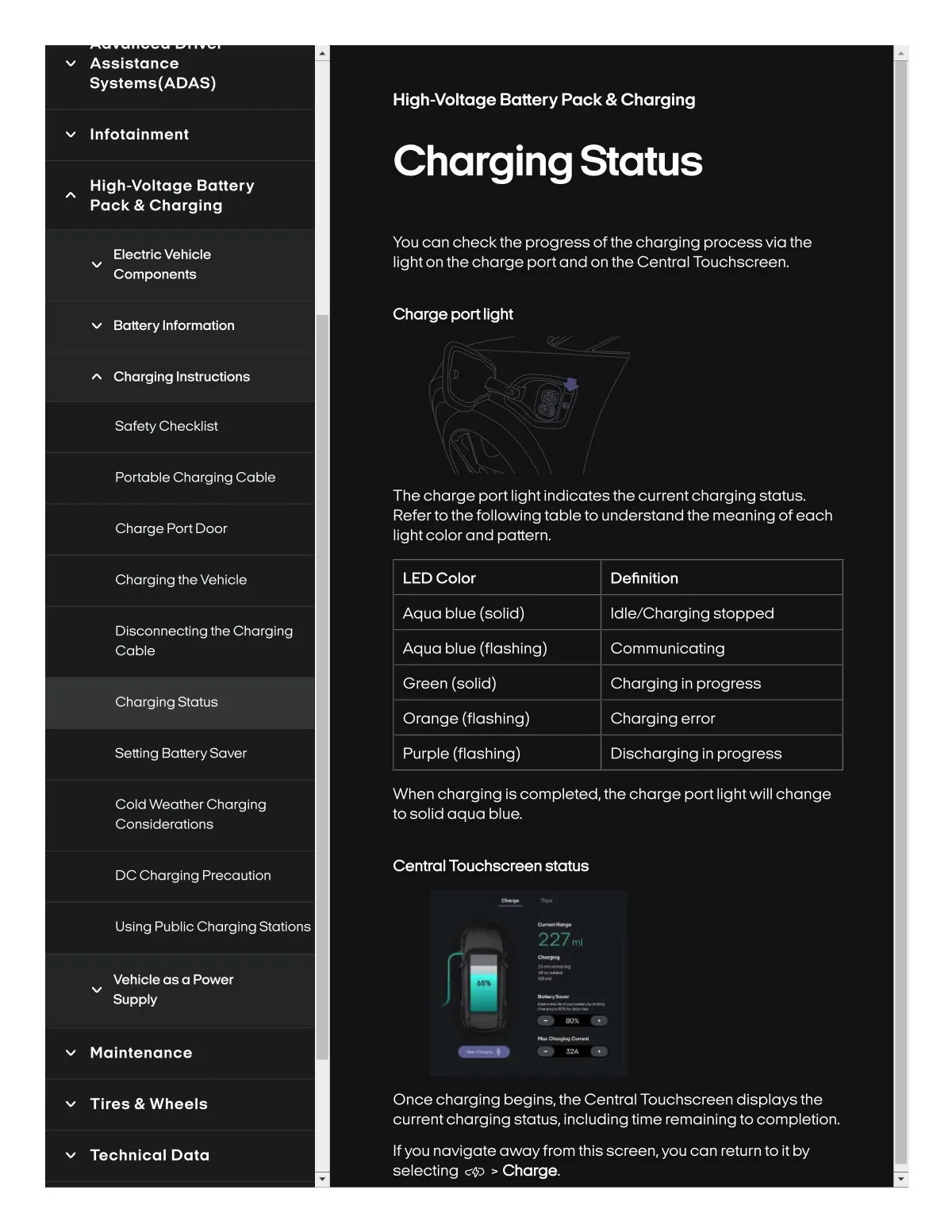
You Can check thè progress of the charglng process vla the
Ilghton thachorge portand on tha Cantral Touchscreen.
Battery Informatlon
Charge port Ilght
Charglng Instru¢tlon$
Safety ChecklSst
Portable Charglng Cable
Th8 charge port Ilght Indlcatesth8 currentcharglng status.
Refertothe followlngtableto understand the meanlng of 8ach
lightcolorand pattern.
Charge PortDoor
Chorglng the Vehlcle
LED Color
Definltlon
Aqua blue {solid)
Idlelcharglng stopped
Dlsconnecllng the Charglng
Cable
Aqua blue (f lashlng)
Communlcatlng
Green (solld)
Charglng In progress
Chorglng Status
Orang8 (flashlng)
Charglng error
Settlng Battery Sover
Purple (flashing)
Dlschorglng In progress
Coldweathercharglng
ConslderatSon8
When charglng is completed,the charge port Ilghtwlll change
to solld aqua blue.
DC ChargSng Pre¢oution
Central Touch8oreen statu8
Uslng Publlc Charging Statlons
227inl
Vehlcle a8 a Power
Suppty
•w%•
Malntenance
• 3?A
Tiras & Wheels
Once charging begins, the Central Touchscreen displaysthe
currentcharging status, including time remaining to completion.
Technlcal Data
Ifyou navigate awayfromthis screen,you can return to it by
selecting ¢+3 > Charge.