Assistance
Syslems{ADAS)
High-voltage Battery Pack & Charging
Infolainment
High-voltage
Battery Pack &
Charglng
Charging the Vehicle
Electrlc Vehlcle
Components
Battery Informatlon
Charglng Instructlons
Plug thecharglng cable Intothe charge port.
Note.. During chorging. the botterysystem s heoting and
cooling functlons monltor the temperature of the botterypack,
and wlll turn on or off as needed to help malntaln an Ideal
temperature. Cllcklng or fan nolses are normal.
Safety Checkllst
Portable Charglng Cable
Errors durfng charglng
Charge Port Door
In th8 rare instanc8thatan erroroccurs durlng th8 charglng
process, the charge port lightwill turn orange and flash. Ifthis
happens, details and instructions will be displayed on the
Central Touchscreen.
Charglng the Vehlcle
DlsconneclSng the Charglng
Cable
If followlng th8 St8ps In th8 displayed instructlons do88 not
resolvethe error, contact Fiskervla the FiskerAppforfurther
assistance.
Charglng Status
Stopplng charglng
Settlng Battery Saver
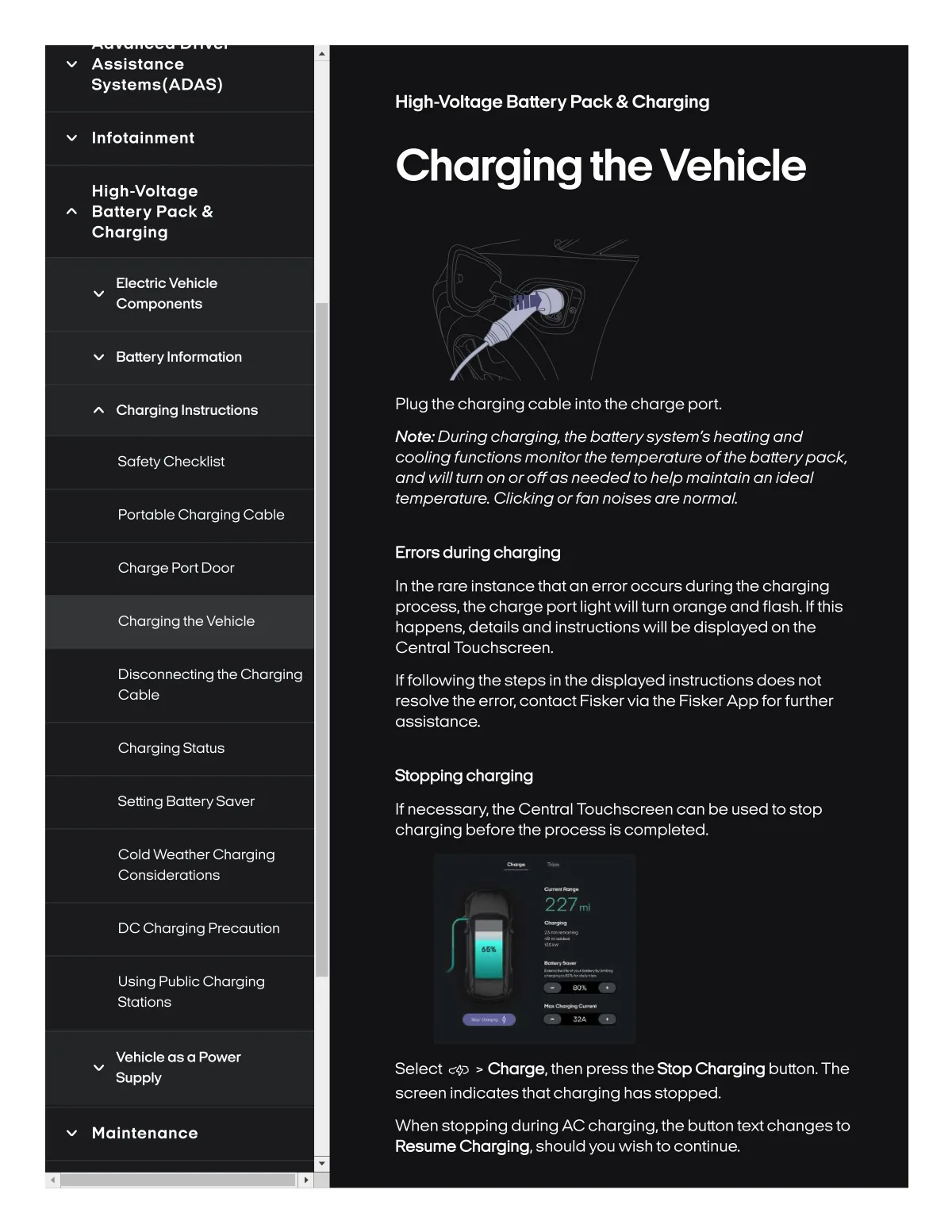
If necessary,the Central Touchscreen can be used to stop
charglng beforethe process Is completed.
Coldweathercharglng
Conslderatlons
227ml
DC Charglng Precautlon
Using Publlc Chorglng
Statlons
• •
Vehicle as a Power
Supply
Select r+) > Charge, then press the Stop Charglng button. The
screen indicatesthatcharging has stopped.
Malntenanca
When stopping during AC charging, the button textchangesto
Resume Charglng, should you wish to continue.