Systems{ADAS)
Infotainment
Infotalnment
About Infotalnment
Direct Access: Ownerfs
Information
Physlcal Audlo Controls
Medla and Audlo
Maps ond Novlgotlon
Phone and Smart Devl¢es
Apps
Connectlvlty
Flsker Ocean wlth Alexa
Bullt-Sn
Vehlcle Informatlon
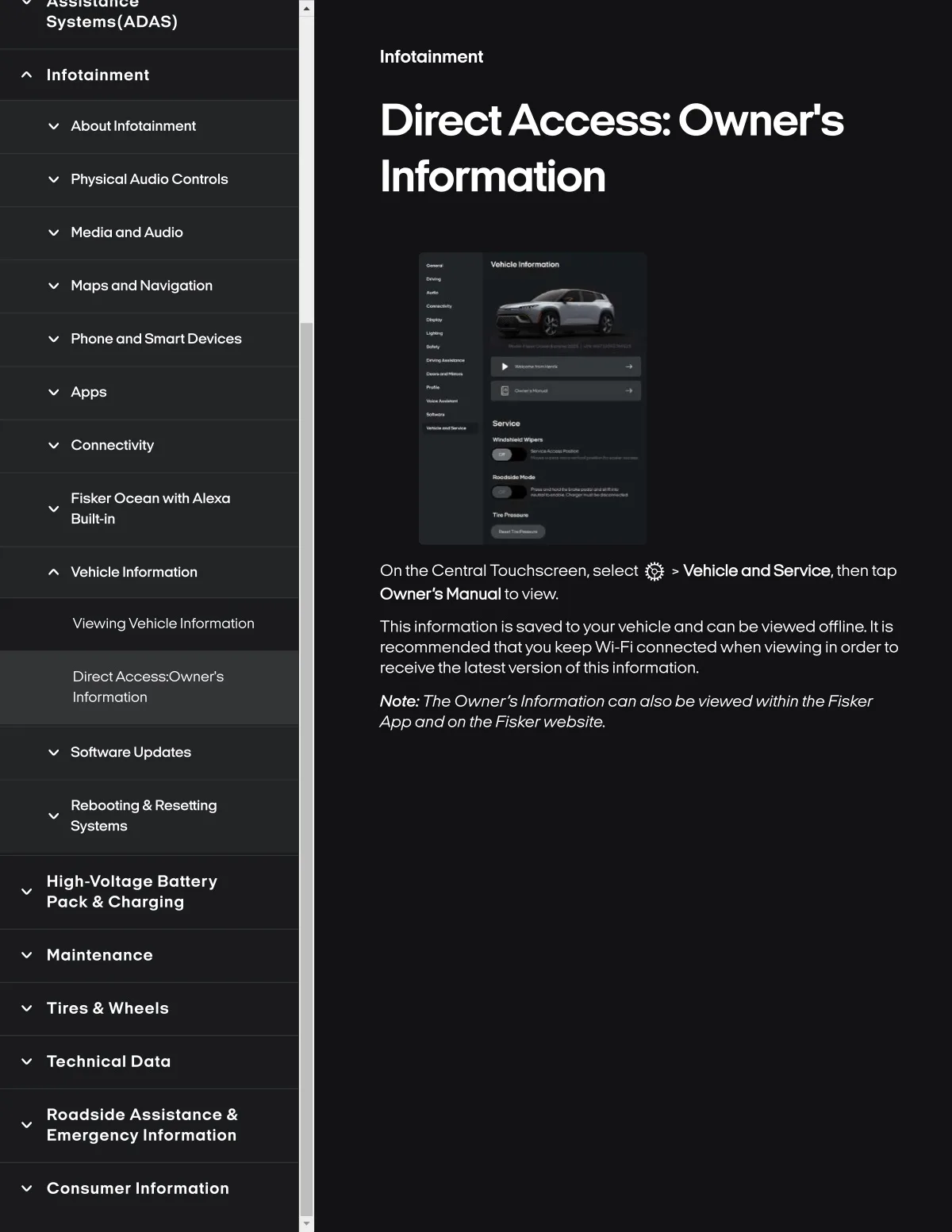
On the Central Touchscreen, select Vehlcle andservlce, then tap
Owner'8 Manual to vlew.
VSewlng Vehlcle Informatlon
Thls Informatlon Is saved toyourvehlcle and can bevlewed offllne. It Is
recommended thatyou keepWI-Fi connected when vlewlng In orderto
receivethe lotestversion of thls informatlon.
Dlrect Acc8ss.'Ownerfs
Information
Note.. The Owner s Informatlon can also be vlewed wlthln the Flsker
App and on the Flsker webslte,
Software Update8
Rebootlng & Resettlng
Systems
Hlgh-voltage Battery
Pack & Charglng
Maintenance
Tlres & Wheels
Technical Dala
Roadslde Asslstance &
Emergency Information
Consumer Information