Introducllon
Infotainment
Vehlcle Overvlew
Connecting and
Disconnecting
Bluetootho Devices
Openlng & Closlng
Seatlng & Safety
Reslralnts
Drlvlng & Operatlng
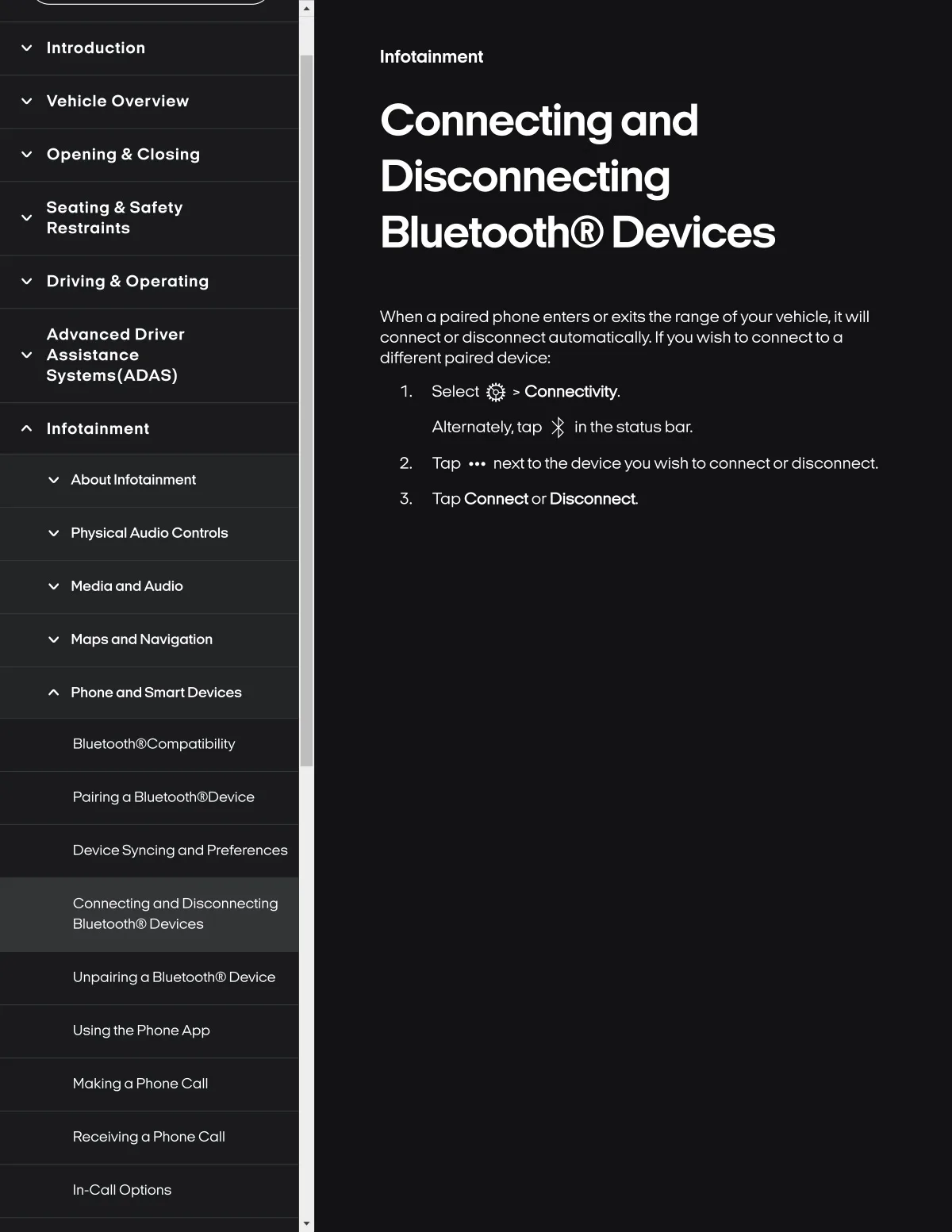
When a palred phone enters orexlts the range of yourvehlcle, It wlll
connect ordisconnectautomatlcally. If you wlshto connectto a
different paired device..
Advanced Drlver
Asslstance
Syslems{ADAS)
Select Q > Connectlvlty.
Alternately, tap * In the status bar.
2. Tap
nextto the devlceyou wlsh toconnectordlsconnect.
Infotalnment
Tap Connect or Dlsconnect
luetooth@Compatiblll
Palring a Blu&tooth@D8vIc
evlce Syncing and Prafer6nces
Unpairing a Bluetooth@ Device
Usingthe PhoneApp
Maklng a Phonecall
Recelvinga Phone Call
In-call Optlons