Reslralnts
Infotainment
Drlvlng & Operatlng
Advanced Drlver
Asslstance
Syslems{ADAS)
Navigation Settings
Infolalnment
Tap Q on the Navigation screen foroptions:
About InfotaSnment
Map settlngs
Phy$l¢al Audlo Controls
Medla and Audlo
Maps and Navlgatlon
Navlgalbon Overvlew
Novlgallng
Adlusllng the Map
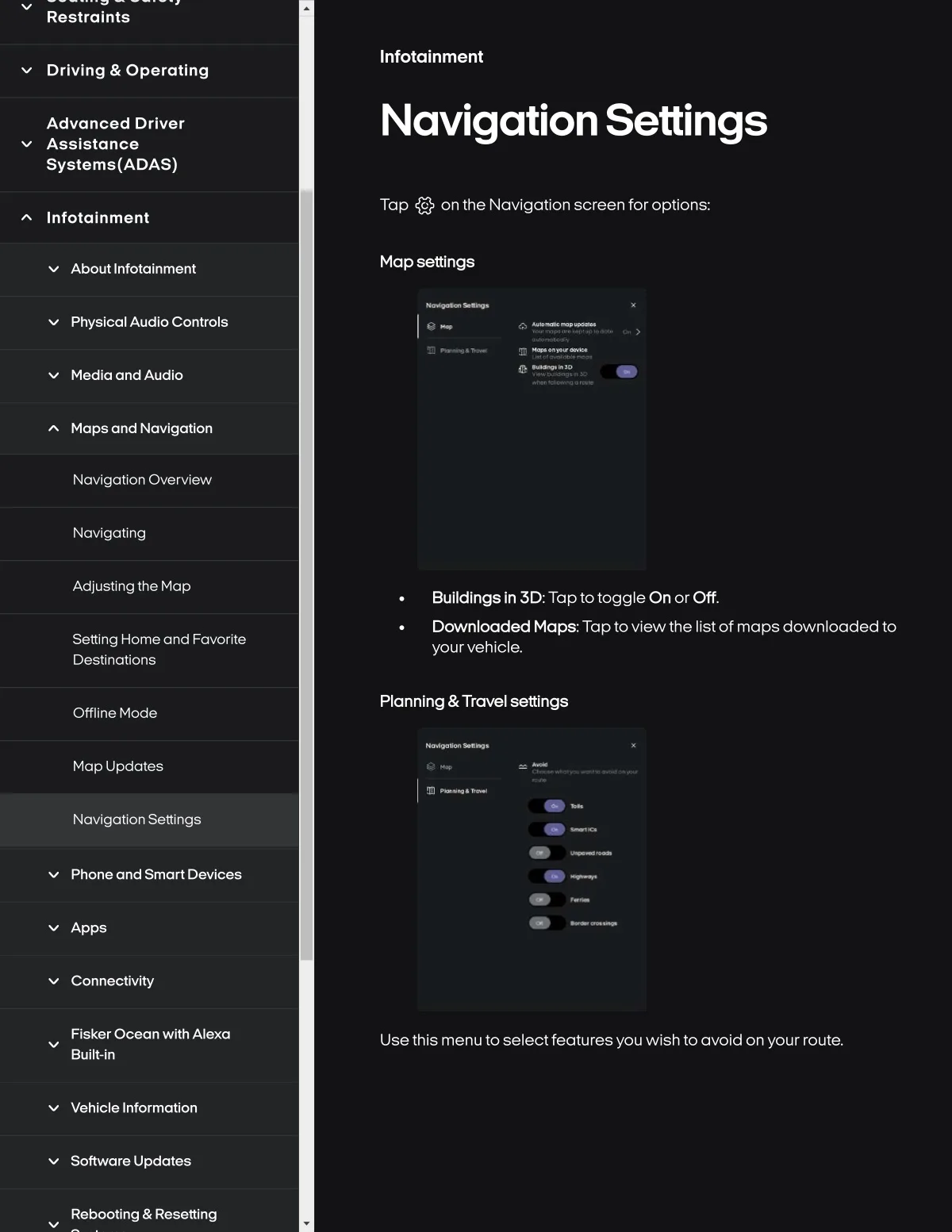
Bulldlngs In 3D:TaptotoggleOn or Off.
Downloaded Maps., Tap to vlew the Ilst of maps downloaded to
yourvehlcle.
Settlng Home and Fovorlte
Destlnations
Offlin8 Mode
Plannlng &Travel 8ettlng8
Map Updates
Navlgallon SettSngs
Phone and Smort Devl¢es
Apps
Connectivity
Fisker Ocean with Alexa
Built-in
Usethis menu to selectfeatures you wish to avoid onyour route.
Vehicle Information
Software Updates
Rebooling & Resetting