Search..
Driving & Operating
Introducllon
Vehicle Information
and Alerts
Vehlcle Overvlew
Exterlor
Exterior Overview
WARNING: Read all alerts and noltficallons carefully
and follow any provlded Inslructlons as soon as
posslble. Do not drlve the vehlcle If you are cautlonad
nollodos
Inlerlor
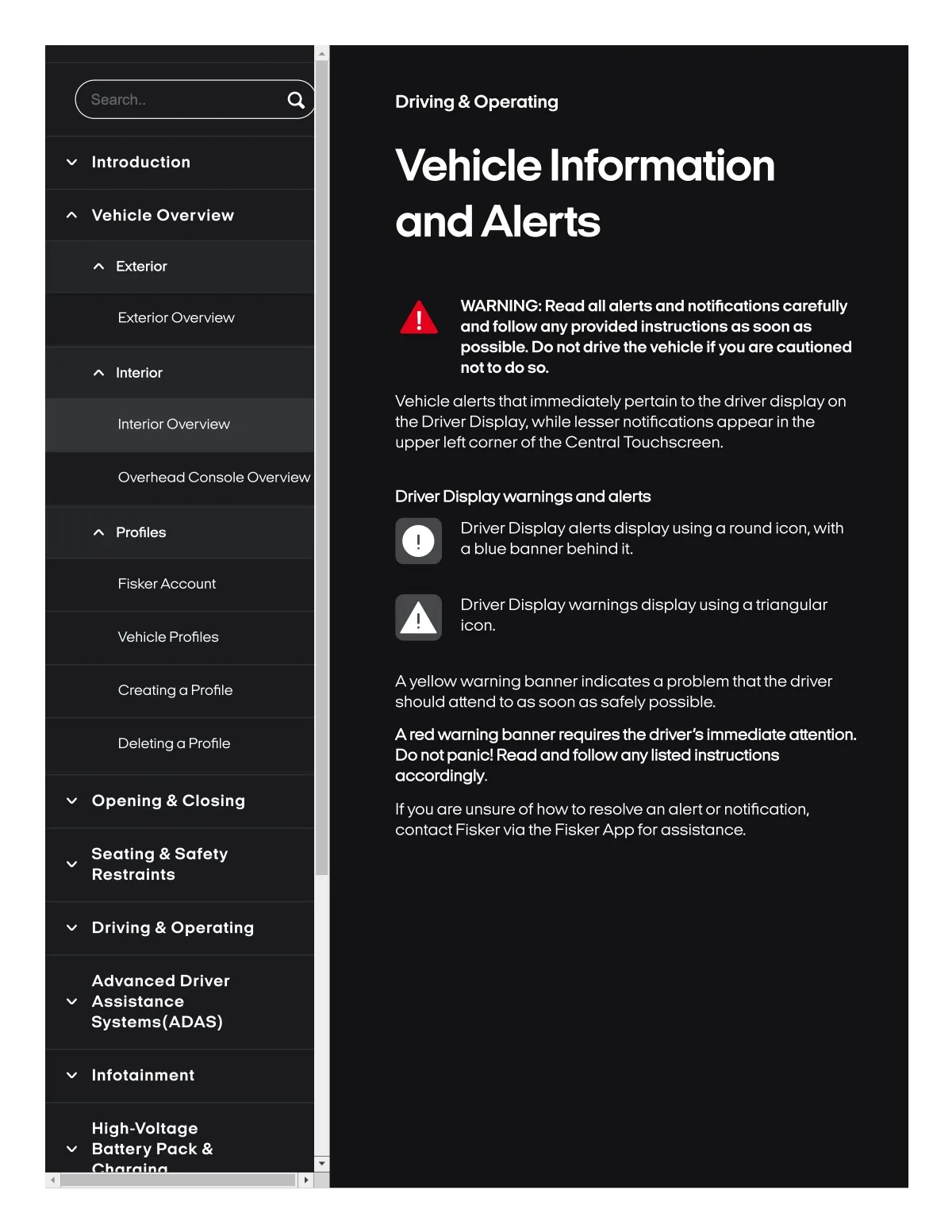
Vehicle alertsthat immediately pertain to the driver displayon
the Driver Display,while lesser notifications appear in the
upper leftcornerofthe Central Touchscreen.
Interlor Overvlew
Overhead Console Overvlew
Drlver D18playwarnlng8 and alart8
Driver Displayal8rts display using a round icon,with
a blue bann8r b8hind it.
Profiles
Flsk8rAccount
Drlver Dlsplaywarnings dlsplay uslng a triangular
Icon.
Vehlcle Profiles
CrealSng a Profile
Ayellowwornlng banner Indlcates a problem thatthe drlver
should attend to as soon as sofely possible,
Deletlng a Profile
A red vnmlng banner requlre8 the drlver 8 Immedlate attenlon.
Do not panlcl Read and follow any Ilsted Instrucfjons
accordlngly.
Openlng & CIo8lng
If you ore unsure of howto resolve an alert or notlficatlon.
contact Flskervia the FlskerApp forasslstance.
Seatlng & Safety
Restralnts
Drlvlng & Operatlng
Advanced Drlver
Asslstance
Systams{ADAS)
Infolalnment
Hlgh-voltage
Baltery Pack &