Reslralnts
Infotainment
Drlvlng & Operatlng
Advanced Drlver
Asslstance
Syslems{ADAS)
Navigation Overview
Infolalnment
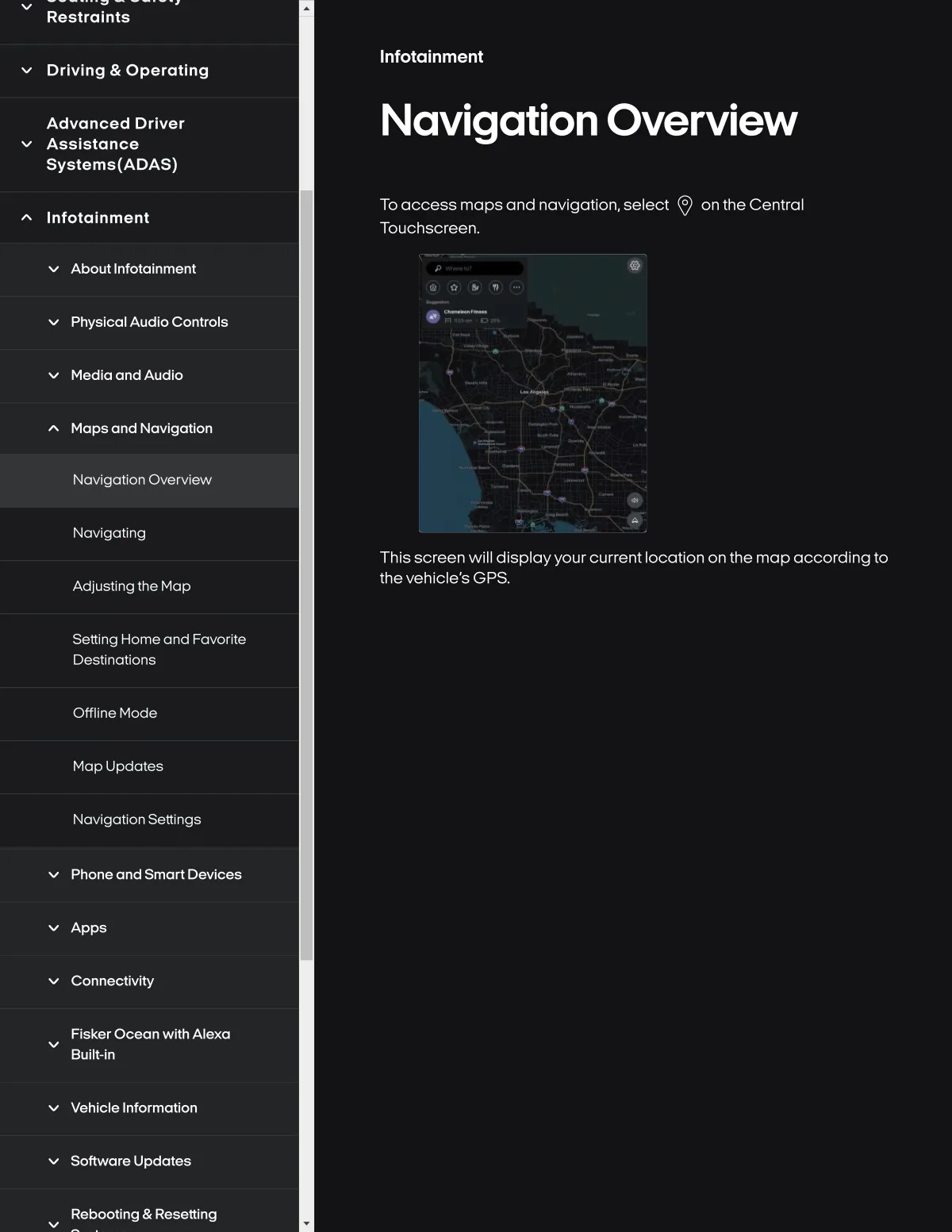
To access mapsand navigation, select Q on the Central
Touchscreen.
About InfotaSnment
Phy$l¢al Audlo Controls
Medla and Audlo
Maps and Navlgatlon
NavlgatSon Overvlew
Novlgallng
This screen wlll dlsplayyourcurrent locatlon on the map accordlng to
the vehicle's GPS.
Adlusllng the Map
Settlng Home and Fovorlte
Destlnations
Offlin8 Mode
Map Updates
NavlgatSon SettSngs
Phone and Smort Devl¢es
Apps
Connectivity
Fisker Ocean with Alexa
Built-in
Vehicle Information
Software Updates
Rebooling & Resetting