Reslralnts
Infotainment
Drlvlng & Operatlng
Advanced Drlver
Asslstance
Syslems{ADAS)
Radio
Infolalnment
About InfotaSnment
•MPA
g?J
VM
Phy$l¢al Audlo Controls
Medla and Audlo
IPPM
Medlo ond Audlo Overvlew
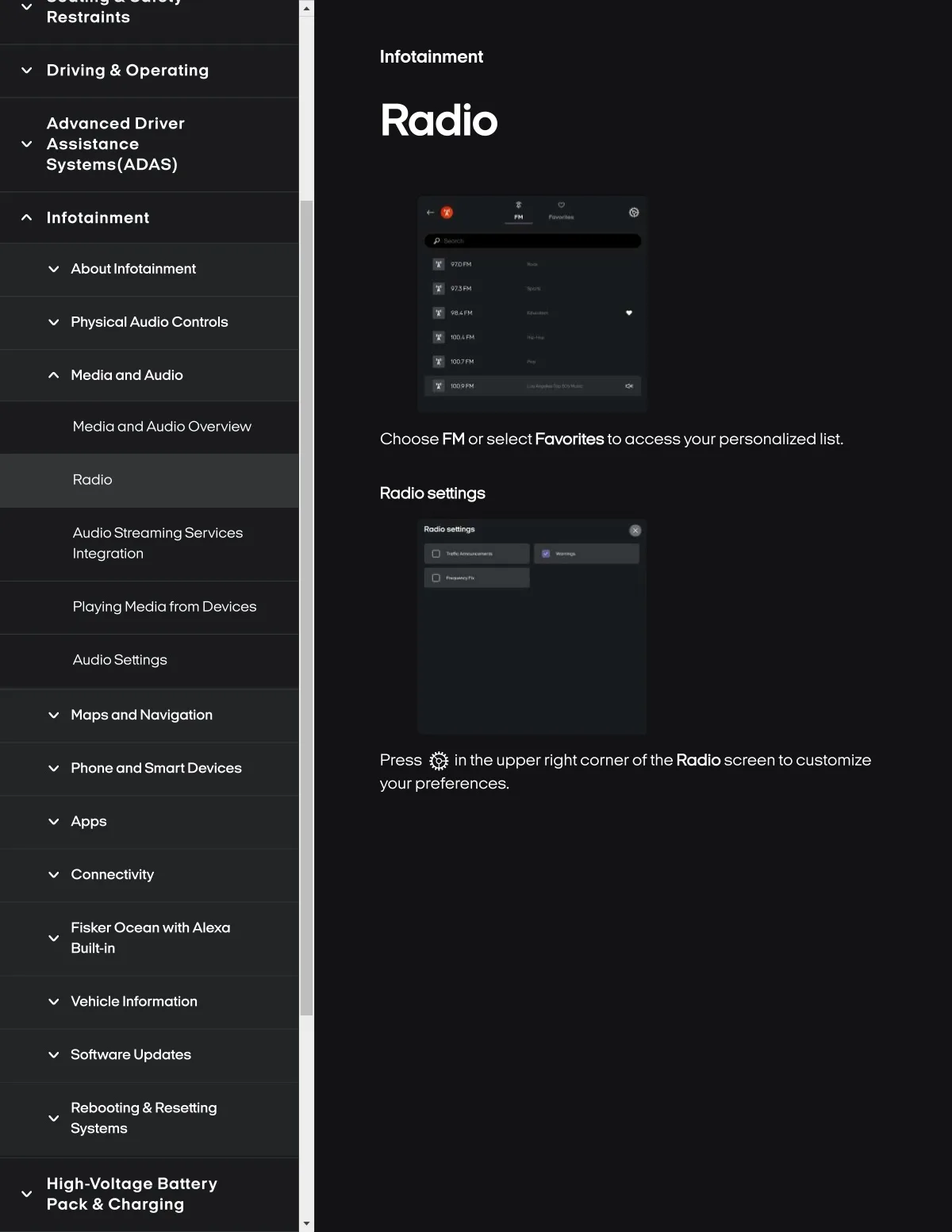
Choose FM or select Fawrfte8 to access your personallzed list.
RadS0
Radlo 8ettlng8
Audloslreamlng Servlces
Integratlon
Playlng Medla from DevSc8s
AudloS&ttlngs
Maps and Navlgatlon
Phone and Smart Devlce8
Press Q in the upper rlght cornerof the Radloscreen to customize
your preferenc&s.
v Apps
Conne¢tlvlty
Flsker O¢ean wlth Alexa
Bullt-ln
Vehl¢le Informatlon
Softwaro Upd<rtes
Rebooting & Rgsetting
Systems
High-voltaga Battery
Pack & Charging